
To connect a Google User (Google Account) with ClimbinSearch, you need to follow the next steps:
1) From the top navigation bar, go to Data Sources –> Google page: https://portal.climbinsearch.com/google/;
2) Click the “Sign In with Google” button at the top-right of the page:
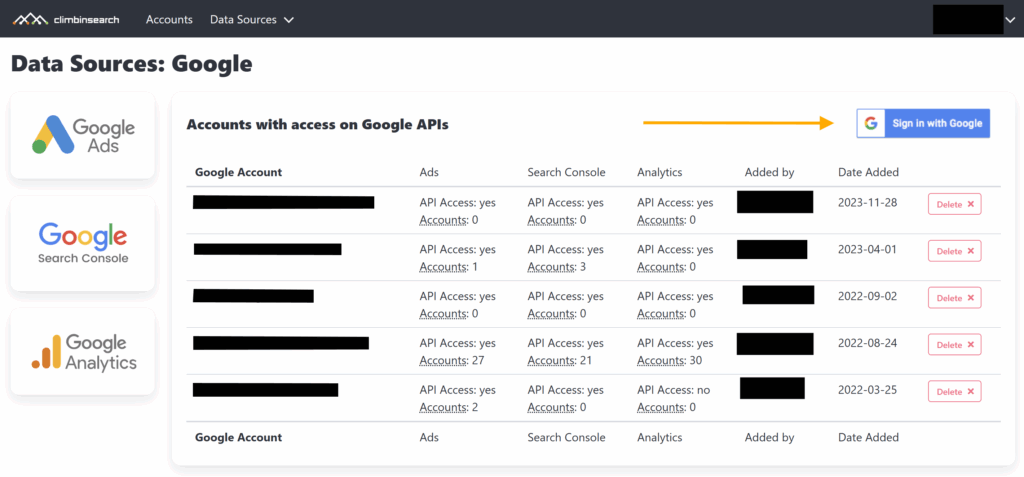
3) A confirm page will show, where you will have to click the “Sign In with Google” button again
4) Then complete the Google authorization flow by checking what access you want to provide for ClimbinSearch:
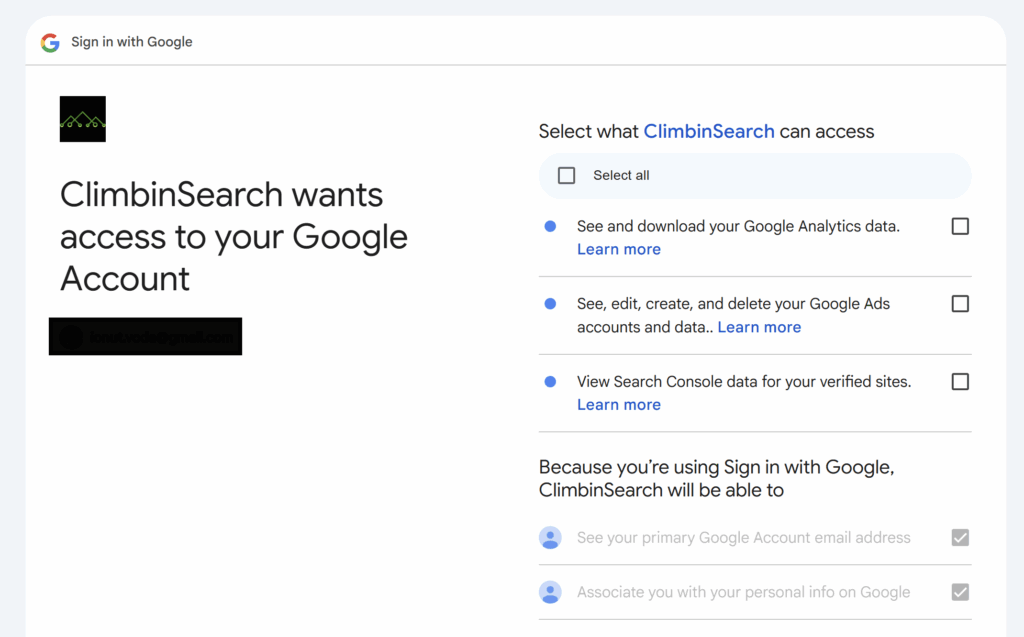
5) Once you’re done with these steps, the newly connected Google User will show up in the Data Sources –> Google page and in Data Sources tabs, under the account settings.