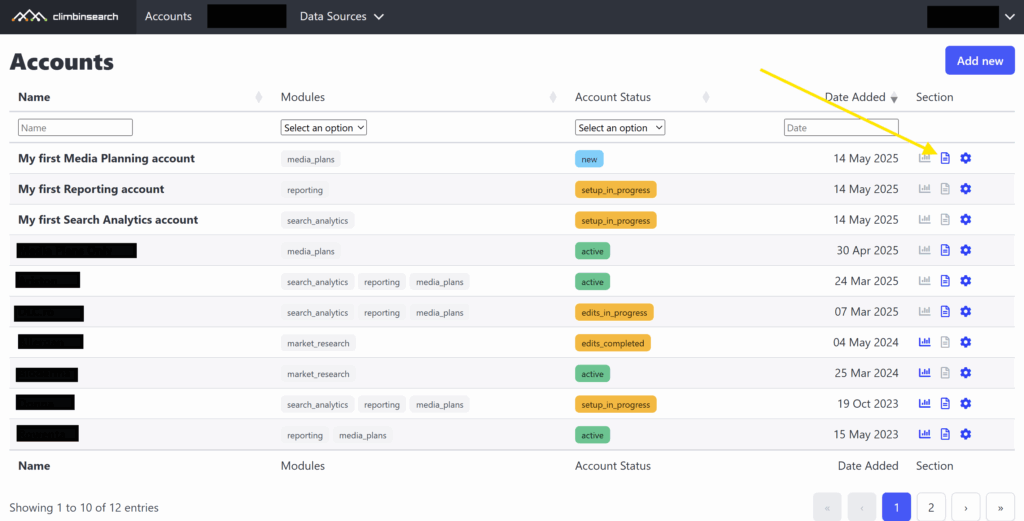
Follow these steps to get started with your first Media Planning account
1) To add a new account, click the “Add new” button at the top-right corner of the Accounts page.
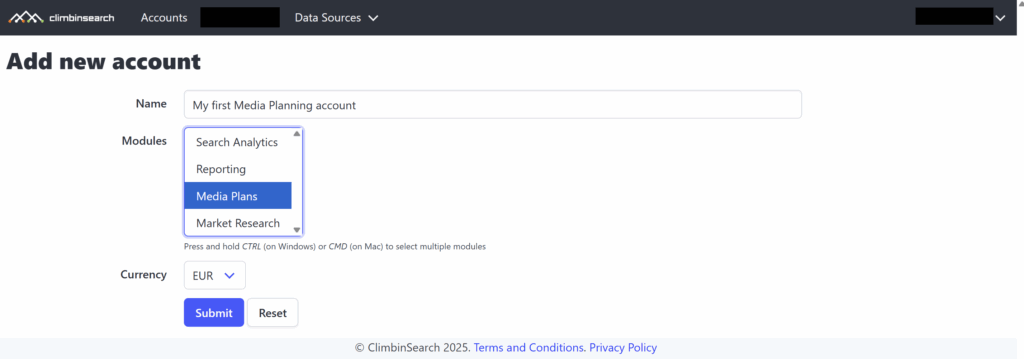
2) You will be redirected to the add new account page, where you will have to select the Media Plans module. Also, select a currency that you want to use in media plans. If you can’t find the currency in the list, please drop us an email at support@climbinsearch.com.
3) Once you have added the account, you can start creating media plans by clicking the “Media Plans” icon from the Account list page.